A podcast transcript is a recording’s sunk cost until someone turns it into words a search engine can read. Think of raw audio like crude oil sitting in a tank: valuable, but useless to a car engine until something refines it into fuel. That refining step is what separates episodes that quietly accumulate downloads from episodes that keep pulling in new listeners from Google for years.
AI transcription tools generate searchable transcripts and show notes
Start here, because nothing downstream works without it: get the audio into text first. ElevenLabs Scribe v2 transcribes audio and video in more than 90 languages and bills by the hour of audio processed, which makes it a reasonable default for a team producing episodes on a weekly cadence. The alternative is human transcription, and the trade-off is blunt: a person checking every line catches dense jargon and guarantees exact quotes, but you pay more per minute and wait longer for the file back.
That trade-off matters more than it looks on paper. A technical podcast full of product names, acronyms and guest surnames will trip up any automated model occasionally. If a quote is going into a press release or a legal-adjacent claim, a human pass before publishing is worth the delay. If the transcript’s job is to seed an SEO blog post and searchable show notes, automated transcription is fast enough and accurate enough for the job.
Once the text exists, the next problem is turning a wall of dialogue into something a reader or a search crawler can actually use. Castmagic automates show note creation, flags keywords and phrases that help with search visibility, and pulls out takeaways that feed directly into blog posts, social updates and newsletters. That’s the real value: not just a transcript, but a structured extraction of what the episode actually said, tagged and ready to drop into other formats.
Here’s the part teams skip: a raw transcript dumped onto a blog page isn’t the same as SEO-optimized show notes. A crawler can read both, but only one has headers, keyword placement and a structure built for skimming. If your current process stops at “transcribe and publish,” you’re leaving half the value on the table.

Automated pipelines extract short-form clips and derivative copy
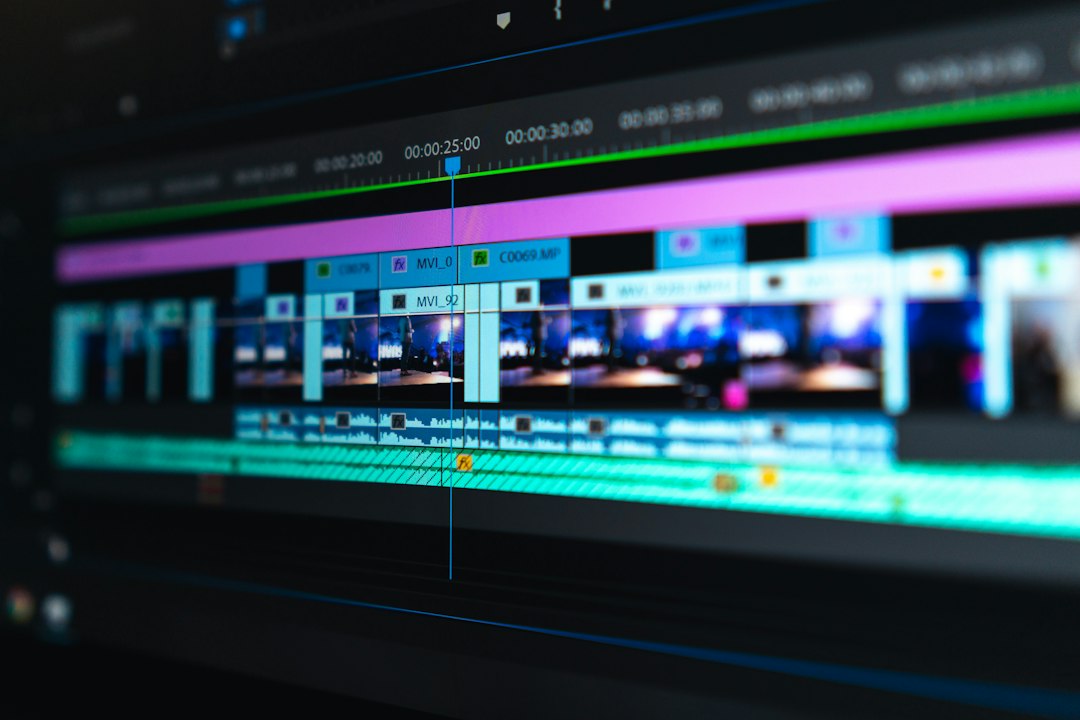
Compare two teams covering the same hour-long interview. One assigns an editor to scrub through the recording hunting for a punchy 45-second moment, cut it, caption it and format it for three different vertical platforms, a process that eats an afternoon. The other runs the video through a pipeline that reads energy levels, topic changes and speaker transitions to flag the likely clips automatically. HypeNest does this kind of analysis to automate trimming, captions and metadata for Shorts, Reels and TikTok, turning one long recording into a repeatable output system rather than a one-off editing project.
That shift changes what “consistent publishing” actually means for a team. A workflow built around automated clip detection can support a steady output, somewhere in the range of several posts a week, without requiring an editor to rebuild the process from zero every time a new episode drops.
The written side works the same way. AirOps automates turning long-form source material into social posts, email copy, short video scripts and blog derivatives, with structured review steps built in so the output doesn’t drift from the show’s voice and messaging. The review step matters more than it sounds. Automation without a check is how you end up with five social posts that all say roughly the same bland thing in slightly different words.
What does this change for a team deciding how to build the pipeline? It means the decision isn’t “manual or automated.” It’s which parts of the chain need a human eye before publishing. Clip selection and first-draft captions can run on autopilot. Final review, brand voice and anything quote-sensitive still needs someone reading it before it goes live.
How it works
Take a one-hour recorded interview as a worked scenario. The audio gets transcribed first, producing a full text version of the conversation. From that transcript, a show-notes tool pulls out five or six key quotes and a summary of the main topics discussed. Those quotes and summary points become the skeleton of a blog post built around the episode’s core argument.
Separately, the video file runs through a clip-detection pass that flags three or four moments, usually where the speaker’s energy rises or the topic visibly shifts, as candidates for short-form cuts. Those candidate clips get trimmed, captioned and formatted for vertical platforms. Finally, the blog post gets published with the episode embedded directly in it, a step as simple as grabbing the podcast’s embed link and pasting it into the website’s editor, the same way you’d place any embedded media on a page.
What it is not
This isn’t the same as simply uploading an audio file to a podcast host and calling it done. A host distributes the episode; it does nothing to make the spoken content searchable on its own.
It’s also not identical to manual show notes written from memory after listening back. Those take longer, miss quotable lines, and don’t scale past a handful of episodes a month.
And it isn’t a replacement for an actual content strategy. Pulling clips and blog posts out of an episode doesn’t matter much if the underlying conversation never addressed a topic anyone searches for.
When it matters
A podcast producer sitting on a backlog of 40 unpublished episodes needs this more than someone who just recorded their first show. Digital media managers running multiple shows across a brand’s content calendar need it to keep output consistent without hiring a transcription and editing team for every title. A single hobbyist podcast with no search ambitions can skip most of this and just publish audio. Anyone treating episodes as a long-term source of organic traffic, rather than a one-time distribution event, needs the pipeline.
Do I need both transcription and show notes, or just one?
You need both if search visibility is the goal. A transcript alone is searchable but unstructured; show notes extracted from it give you the summary, keywords and quotes that actually read well as a blog post.
How long does AI transcription take compared to human transcription?
AI transcription turns audio into text in a fraction of the time a human reviewer needs, though the exact turnaround depends on the tool and file length. Human transcription takes longer because someone is checking every line, which is worth it mainly for dense technical content or exact-quote requirements.
Can one podcast episode really produce more than 20 pieces of content?
Yes, when the workflow extracts quotes, a blog post, social captions, short video clips and an email newsletter segment from a single recording, the asset count adds up fast, since each output format counts separately.
Do short-form video clips need a human editor to review them before publishing?
Yes, for brand voice and accuracy. Automated tools are reliable at flagging candidate moments based on energy and topic shifts, but a quick human pass before publishing catches context errors an algorithm won’t notice.
Is a transcript enough for SEO, or does it need to be turned into a blog post?
A transcript helps, but a structured blog post built from it performs better for search, because it has headers, a clear topic focus and internal links that a raw transcript dump doesn’t have.
Skip the review step in any of this and you’ll find out the hard way: a mislabeled clip, a quote pulled out of context, or a blog post that reads like a transcript nobody edited will cost you more credibility than the time you saved automating it. Treat automation as the first draft machine, not the final word.
Frequently Asked Questions
Can I generate content for my podcast for free?
The supplied evidence doesn’t specify free-tier pricing for the tools discussed, such as ElevenLabs Scribe v2, Castmagic, HypeNest, or AirOps. What’s documented is that ElevenLabs Scribe v2 bills by the hour of audio processed, and that AI-based tools generally reduce cost and time compared to human transcription services, which carry a significantly higher per-minute cost. Teams weighing cost should factor in that human transcription, while pricier, pays off for dense jargon or exact-quote needs.
How much does a paid Podsqueeze subscription cost?
The supplied evidence doesn’t mention Podsqueeze or its pricing. It does note, in reference to a comparable tool (Opus Clips), that credit-based plans can be consumed quickly by long recordings: a 90-minute webinar or two-hour podcast can use most or all of a month’s credits on a Pro plan, and a 150-credit Starter plan may not stretch far if source videos run 45 minutes or longer.
Can an AI summarizer replace a human copywriter?
The evidence suggests AI tools handle structured extraction and first-draft generation well but are paired with human review rather than fully replacing a copywriter. AirOps notes that teams “replace manual rewriting with structured review steps that keep voice and messaging consistent,” implying automation produces drafts a human still checks. Castmagic’s show notes similarly automate time-consuming summary and keyword work, but the body content stresses that final review, brand voice, and quote-sensitive material still need a human pass before publishing.
How Do I Repurpose Podcast Content for Social Media?
Start by extracting key insights, quotes, and takeaways from show notes, which can then be turned into social media updates, blog posts, and email newsletters as part of a multi-channel promotional approach. You can use video software to track speaker changes, energy levels, and topic shifts. These tools trim clips for Shorts, Reels, and TikTok without manual scrubbing. One podcast episode can generate 20+ content assets this way, and a repeatable pipeline can support a steady publishing cadence of 3-5 posts per week.
OpusClip vs BIGVU Auto-Shorts: which one fits your workflow?
The supplied evidence includes a BIGVU blog post discussing Opus Clips’ credit system but doesn’t provide a direct feature or workflow comparison between OpusClip and BIGVU Auto-Shorts. The one relevant data point is that Opus Clips’ credit math matters for workflow fit: a single long recording, such as a 90-minute webinar or two-hour podcast, can consume most or all of a month’s credits on its Pro plan, which teams processing long-form content regularly should weigh when choosing a tool.
Talk to us about turning your backlog into a working pipeline instead of a pile of audio files.
Twenty searchable assets from one episode isn’t a software trick, it’s what happens when transcription, extraction and clipping get chained into a pipeline with a human still reading the output before it ships; skip the chain and you’re back to crude oil sitting in a tank.
Talk to Keyworth about turning your backlog into a working pipeline instead of a pile of audio files.
Leave a Reply