
An AI content generator for Instagram works like a junior designer who never sleeps but also never checks the brief twice: it produces square, landscape, or vertical posts, drafts captions, and queues them for release, while the compliance work of labeling synthetic media still sits with the person publishing.
That’s the honest shape of the category right now. Tools like Adobe Express and Canva generate the visual asset and help schedule it. Neither one decides whether your account needs an AI disclosure label, because that’s a platform rule, not a design feature. Treat generation and disclosure as two separate jobs, because Instagram treats them that way too.
Creators format and schedule generated assets for feed publishing
The first real decision isn’t which tool to use. It’s which shape to generate in.
Instagram posts support square, landscape, or vertical orientations, but every image crops to a square once it lands in the feed. That single fact changes how you should prompt and frame an AI-generated asset. A landscape image with text near the edges might get cropped into something unreadable. A vertical portrait might lose the top or bottom third. If you’re generating a batch of assets for the week, square is the safest default, not because it’s more creative, but because it’s the only shape that survives the feed crop unchanged.

Adobe Express handles this generation step directly. Sign in to Adobe Express, then use the generate template tool to produce Instagram post options from a prompt. If the first batch feels flat, click Generate more results to pull additional variations rather than settling for the first four. Once you’ve picked the one you like, the editor lets you add branding, swap text, and adjust layout before export.
Canva takes a different angle on the same problem. Its Magic Media feature turns a text prompt into an image or video, and the output funnels into the same editor used for manual designs. The part that matters for a social manager running a weekly calendar: Canva Pro lets you queue content for later release through its Scheduler, so a batch of ten generated posts doesn’t have to mean ten separate manual publish actions.
You generate, edit, queue, and walk away.
Here’s the trade-off worth naming. Scheduling solves a labor problem, not a creative one. If every post in the queue uses the same prompt structure or the same color treatment because the generator defaults to it, your feed starts to look like a template library, not a brand. The fix isn’t abandoning the tool. It’s varying the prompt inputs (different subjects, different compositions, different caption angles) the same way you’d vary a shot list for a photographer. A generator that produces fifteen visually identical posts a month is a different kind of risk than a blank content calendar, but it’s still a risk.
One judgment call that saves rework: decide your crop shape before you generate, not after. Re-prompting a landscape asset into square because the first version got cropped badly wastes more time than starting square in the first place.
Meta enforces transparency labels across synthetic posts and profiles
Instagram has two separate AI labels, and they attach to different things. One covers a single post.
The other covers an entire account.
The “AI info” label discloses an individual piece of content, specifically photorealistic video or realistic-sounding audio that was digitally created or altered. The “AI-generated profile” label is a setting a creator toggles on when their account features an artificial persona rather than a real person, and once it’s switched on, it appears across the whole profile and alongside content that doesn’t already carry a post-level label.
If you generate a single synthetic video for a campaign, you label that post. If your entire account is built around an AI persona, you label the profile, because a single post toggle wouldn’t cover the whole identity behind it.
Skipping this isn’t a gray area. Creators who don’t label an AI-generated profile appropriately may see limits to their profile’s reach, and Instagram notifies unlabeled profiles it detects, with Account Status showing whether the account is still eligible for recommendations. Meta’s broader labeling approach, shaped partly by feedback from its Oversight Board, favors disclosure over removal for manipulated media that doesn’t otherwise break the rules, which means the label is the enforcement mechanism, not a warning before a takedown.
There’s a detail worth sitting with for anyone worried that disclosure hurts performance: creators who proactively add the profile label don’t see a change to their reach. The penalty is for getting caught without one, not for having one.
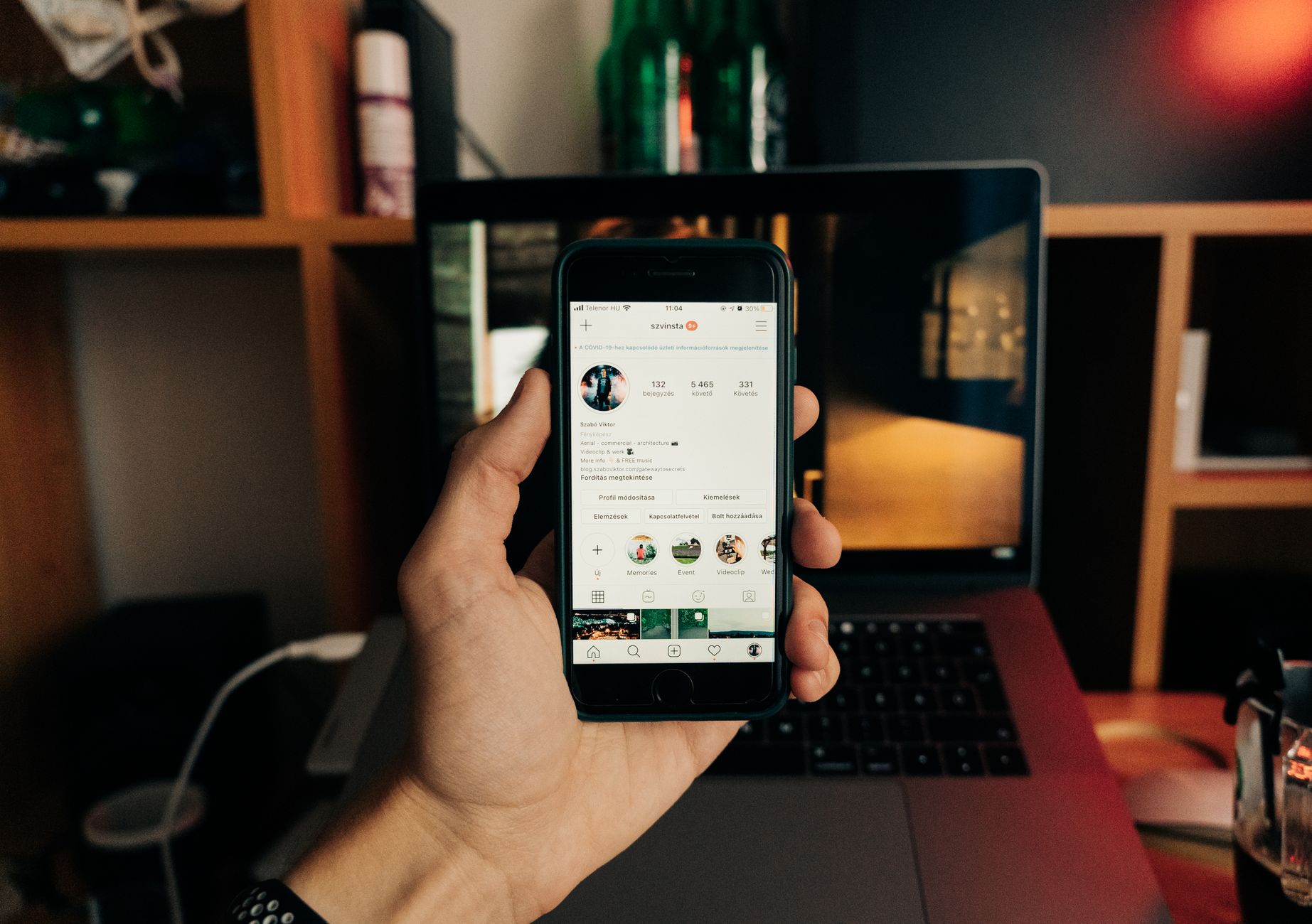
What does this mean day to day? Before sharing AI-generated media, run it through the disclosure step as part of your actual workflow, the same way you’d check a caption for typos. If a tool makes an asset that’s meant to look like a real person speaking or appearing on camera, that’s the post needing the “AI info” label. If the whole account persona is synthetic, that’s the profile setting. One generated product photo in an otherwise normal feed doesn’t necessarily trigger either label, since the rule targets realistic synthetic people, video, and audio, not every AI-assisted graphic.
Keyworth’s guidance for any AI-assisted content, Instagram included, is to format it the way a system can read it cleanly. The business recommends using headings, lists, and markup that AI models can easily parse, which matters just as much for a caption or bio disclosure as it does for a blog post, because structured, unambiguous labeling is exactly what both Instagram’s detection systems and a human reviewer are checking for.
A generator that skips this step isn’t broken. It’s just not the part of the job that handles compliance.
That part is still yours.
Frequently Asked Questions
What’s the best AI content generator for Instagram posts?
There’s no single best tool, because formatting and disclosure are separate problems. Adobe Express and Canva both generate images and video from text prompts and support Instagram’s square, landscape, and vertical formats, with Canva Pro adding a scheduling layer through its Scheduler feature. Pick based on whether you need scheduling built in or just the generation step.
Do I have to label every AI-generated Instagram post?
Only posts with photorealistic video or realistic-sounding audio that was digitally created or altered need the “AI info” label under Instagram’s current disclosure policy. A simple AI-generated graphic or product image doesn’t automatically require it, but an account built entirely around a synthetic persona needs the separate profile-level label instead.
Will labeling my content as AI-generated hurt my reach?
Creators who proactively add the AI-generated profile label don’t see a change to their profile’s reach. The reach penalty applies to profiles Instagram detects and flags after the fact, not to ones that disclosed upfront.
Why do Instagram images always crop to a square even if I upload landscape?
That’s how the feed is built. All images crop to a square in the feed regardless of the original orientation, so generating in landscape or vertical without checking the crop first risks cutting off text or key subjects.
Can I schedule AI-generated Instagram content in advance?
Yes. Canva Pro’s Scheduler lets you queue designs, including AI-generated ones made with Magic Media, for later publishing directly from the editor, which cuts down on manual daily posting for anyone running a recurring content calendar.
Formatting and labeling are two different checklists, and skipping either one costs you the same thing: reach. Talk to us about what a consistent, properly structured publishing cadence could look like for your account.
About the author

Abayomi Adenekan
SEO Specialist, 10+ years
Abayomi “Yomi” Adenekan built Keyworth. He has spent over ten years in growth marketing, SEO, and product. He began as a web developer and email marketing specialist, moved into paid media managing $13M a year in ad spend, and now leads growth at a podcast incubator with 1,300+ creators. He also runs Dynareach, his own SEO, web development, and branding agency. He holds an M.Sc. in Data-Driven Marketing from Universidade NOVA de Lisboa and lives in Lisbon.
Leave a Reply